Email Preferences & Unsubscribe
We only send emails we believe are genuinely helpful; service reminders, seasonal tips, and important updates. We never want to overwhelm your inbox.
If you’d like to stop receiving emails from TBros, simply click the “Unsubscribe” link at the bottom of any email we’ve sent you.
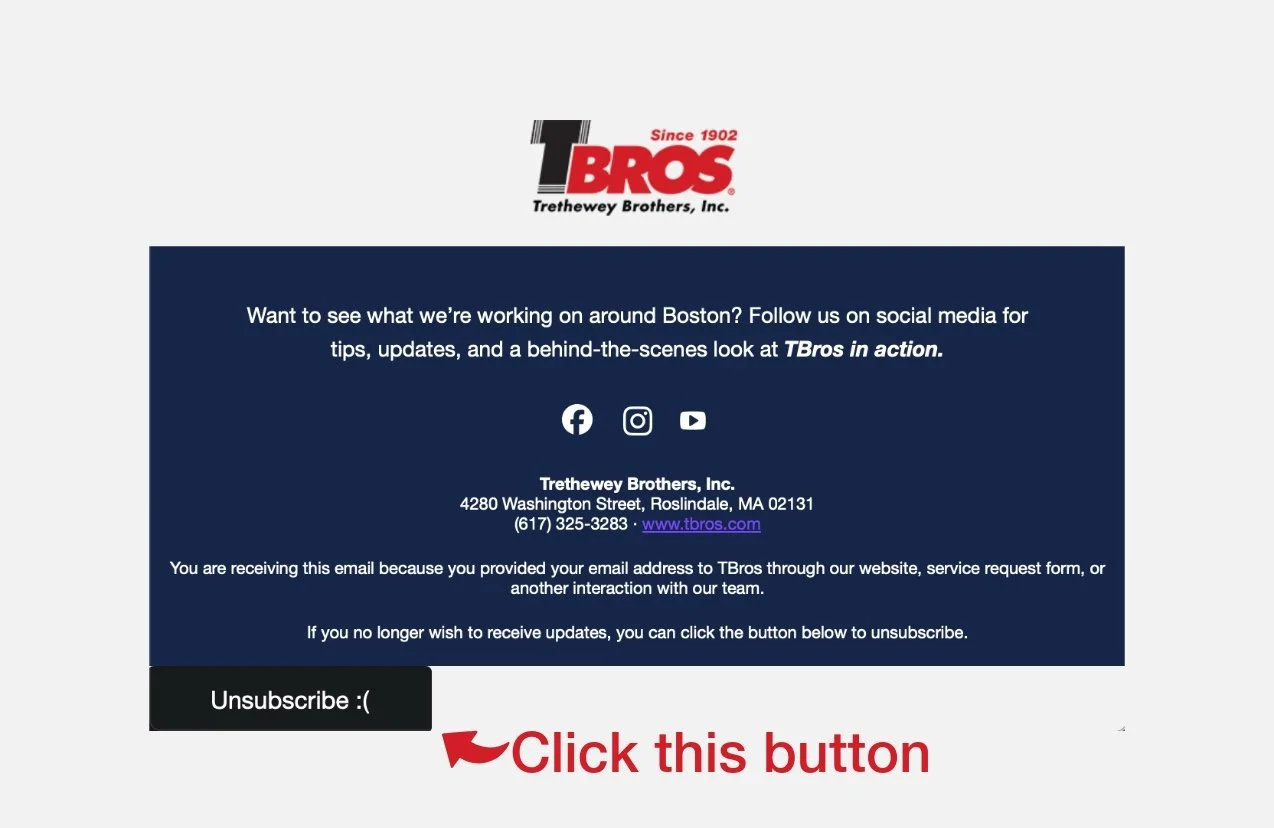
Your request is processed automatically and takes effect immediately.
If you continue receiving emails or need help managing your preferences, feel free to reach out to our team and we’ll take care of it.